# January 13, 2026: Switch your Lev (BGN) currencies to Euro (EUR) by January 31
### What’s changed?
Bulgaria is changing their currency to the Euro. By January 31, 2026, traders in Bulgaria need to display currencies in both Lev (BGN) and Euros (EUR).
### Who’s affected?
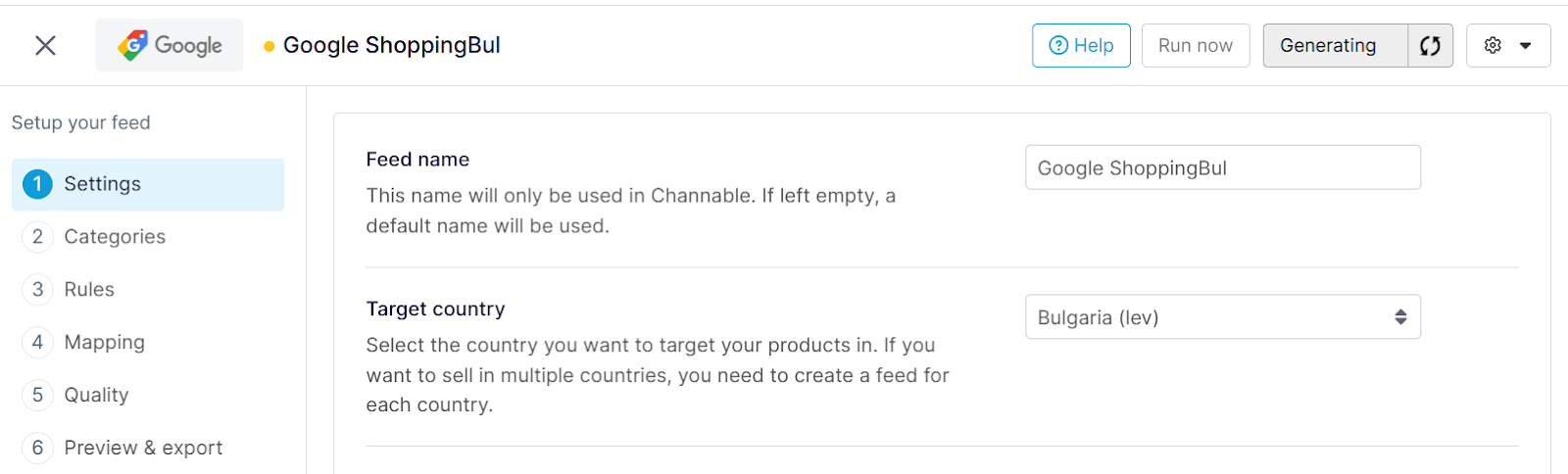
You are affected if you have one or more active feeds\* in Channable that uses Bulgaria (lev) as the **Target country**.\
\
\* Feeds affected:
* Criteo
* Facebook
* Facebook Automotive Inventory Ads
* Facebook Supplementary
* Google Shopping
* Meta Auto
* Meta Online Products
* Meta Real estate
* Meta Travel
* Microsoft Ads
* TikTok Ads
* TikTok Travel
* Twitter
### What you need to do
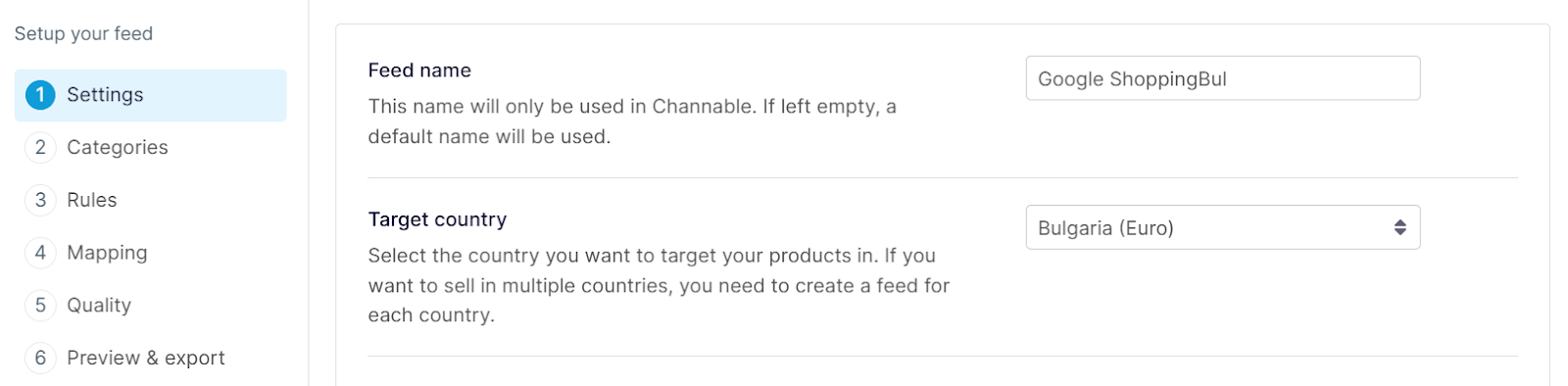
To ensure your exported prices remain accurate, we have introduced a new **Bulgaria (Euro)** target country setting. The previous setting has been renamed to **Bulgaria (Lev)** and will eventually be phased out.
Switching your target country to Euro will immediately change the currency symbol and formatting for all price-related fields (including sale and shipping prices).
**If you switch without updating your values, your prices will be incorrect on your advertising channels.**
To maintain accurate pricing, you must update your data before switching the target country. You can choose **one** of these methods:
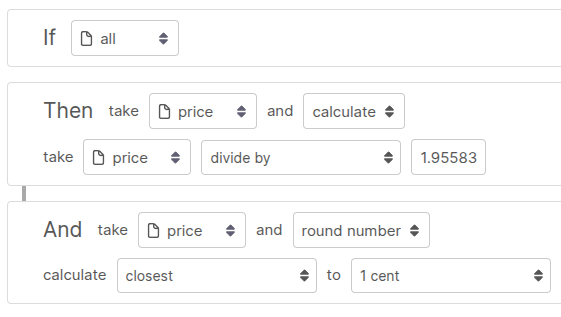
* **Apply conversion rules:** Create rules in Channable to convert your prices and apply rounding.\
\
Example:
* **Modify your imports:** Update your source data to import prices in Euro directly.
Next, once your data is updated and ready, navigate to **\[your feed] > Settings** and update the **Target Country** to “Bulgaria (Euro)”.
OR
Next, you can set up a new, fresh export feed specifically for Bulgaria (Euro) to test the migration without affecting your live Lev feed. You can do so by making a copy of your existing feed:
1. Go to **\[your feed] > Settings**.
2. Click on the gear icon and select **Copy feed** in the dropdown.
3. In the pop up, enter a name for your feed and click **Copy feed**.
---
# Agent Instructions: Querying This Documentation
If you need additional information that is not directly available in this page, you can query the documentation dynamically by asking a question.
Perform an HTTP GET request on the current page URL with the `ask` query parameter:
```
GET https://helpcenter.channable.com/changelog/january-2026/january-13-2026-switch-your-lev-bgn-currencies-to-euro-eur-by-january-31.md?ask=
```
The question should be specific, self-contained, and written in natural language.
The response will contain a direct answer to the question and relevant excerpts and sources from the documentation.
Use this mechanism when the answer is not explicitly present in the current page, you need clarification or additional context, or you want to retrieve related documentation sections.