> For the complete documentation index, see [llms.txt](https://helpcenter.channable.com/llms.txt). Markdown versions of documentation pages are available by appending `.md` to page URLs; this page is available as [Markdown](https://helpcenter.channable.com/css/css-de/css.md).

# Channable CSS

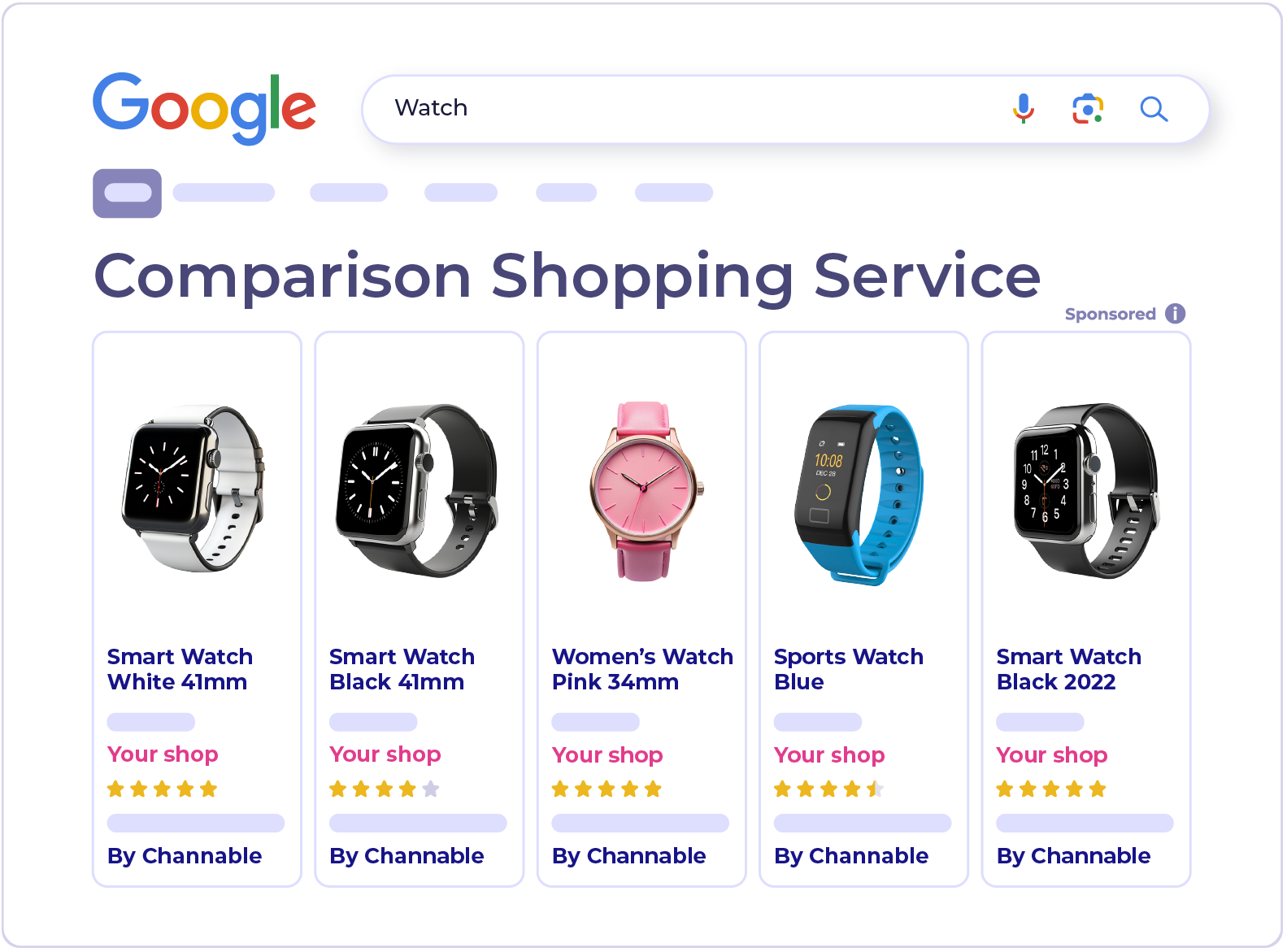
Nimm am Comparison Shopping Service (CSS) von Channable für Google Shopping teil.

{% columns %}
{% column width="58.333333333333336%" %}
Channable CSS ist ein Comparison Shopping Service (CSS) für Google Shopping, mit einer Reihe von Tools in Channable zur Optimierung deiner Produktlistings.&#x20;

In den Ländern von Googles CSS-Programm schaltet es auch deine Anzeigen, ohne eine Marge von deinen Geboten abzuziehen.

<a href="https://www.channable.com/signup?solution=css" class="button primary">Registrieren</a> <a href="https://support.google.com/merchants/answer/7558973?hl=en&#x26;sjid=7704322275663456857-EU" class="button secondary" data-icon="book">Mehr erfahren</a>
{% endcolumn %}

{% column width="41.666666666666664%" valign="middle" %}

<div align="left" data-full-width="false"><figure><img src="https://2866948927-files.gitbook.io/~/files/v0/b/gitbook-x-prod.appspot.com/o/spaces%2FbBY5zPT0WiTFQ8xha2EA%2Fuploads%2FMMXtcBV29BJG26pTm4xF%2FCSS.png?alt=media&amp;token=b85ca476-c263-4d19-8a46-4493685e68ec" alt="" width="375"><figcaption></figcaption></figure></div>
{% endcolumn %}
{% endcolumns %}

***

### So funktioniert Channable CSS

{% stepper %}
{% step %}

#### Verbinde deine Accounts

Channable liest deine Produktdaten von deinem Google Merchant Center-Account und deine Performance-Daten von Google Ads.
{% endstep %}

{% step %}

#### Verbessere deine Daten

Nutze Optimierungsfunktionen, um Titel zu verbessern, Produkte nach Leistung mit einem Label zu versehen, fehlende Daten zu ergänzen und deine Preise mit denen der Konkurrenz zu vergleichen.
{% endstep %}

{% step %}

#### Synchronisiere Änderungen mit Google

Channable sendet deine Änderungen über eine ergänzende Quelle, damit dein primärer Produktfeed gleich bleibt.
{% endstep %}
{% endstepper %}

{% hint style="info" %}

#### Hinweis

Nachdem du dich verbunden hast, kann es ein paar Stunden dauern, bis deine Produkt- und Performance-Daten in Channable erscheinen.
{% endhint %}

### Warum Channable CSS

* **Funktioniert mit deinem aktuellen Setup.** Deine Kampagnen, Budgets und dein Produktfeed bleiben so, wie sie sind.
* **Funktioniert überall, wo du verkaufst.** Die Optimierungsfunktionen funktionieren in jedem Land, in dem du auf Google Shopping wirbst.
* **Keine Marge auf deine Gebote.** In allen Ländern des CSS-Programms von Google nimmt Channable CSS keine Marge von deinen Geboten, sodass dein volles Gebot in die Auktion geht.

{% hint style="info" %}

#### Verkaufst du außerhalb Europas?

Du kannst Channable CSS trotzdem nutzen, um deine Titel zu verbessern, Produkte nach Leistung mit einem Label zu versehen und deine Preise zu vergleichen. Der einzige Unterschied ist, dass Anzeigen außerhalb der CSS-Programmländer keinen Margenvorteil bekommen.
{% endhint %}

### Channable CSS einrichten

<figure><img src="https://2866948927-files.gitbook.io/~/files/v0/b/gitbook-x-prod.appspot.com/o/spaces%2FbBY5zPT0WiTFQ8xha2EA%2Fuploads%2Fub083VcJdTT43Nperu4K%2FCSS-steps.png?alt=media&amp;token=d70e8b9b-93a9-4236-9af6-16d87ff5763c" alt=""><figcaption></figcaption></figure>

<table data-view="cards"><thead><tr><th></th><th></th><th></th><th data-hidden data-card-target data-type="content-ref"></th></tr></thead><tbody><tr><td><i class="fa-circle-1">:circle-1:</i></td><td><strong>Einen Merchant Center-Account verbinden</strong></td><td>Melde dich mit einem Google-Konto an, das in deinem Merchant Center- und Google Ads-Account Admin ist.</td><td><a href="https://helpcenter.channable.com/css/css-de/setup/how-to-set-up-a-channable-css-merchant.md">Richte einen Channable CSS-Händler ein</a></td></tr><tr><td><i class="fa-circle-2">:circle-2:</i></td><td><strong>Eine ergänzende Quelle einrichten</strong></td><td>Dadurch werden deine Titel-, Label- und KI-Optimierungen an Merchant Center gesendet.</td><td><a href="https://helpcenter.channable.com/css/css-de/setup/set-up-the-supplemental-source-for-your-merchant-in-google-merchant-center.md">Richte eine zusätzliche Quelle ein</a></td></tr><tr><td><i class="fa-circle-3">:circle-3:</i></td><td><strong>Den Wechsel genehmigen</strong></td><td>Akzeptiere die Anfrage von Google in Merchant Center, um in berechtigten Ländern den Margenvorteil zu erhalten.</td><td><a href="https://helpcenter.channable.com/css/css-de/setup/approve-a-switch-to-channable-css.md">Genehmige den Wechsel zu Channable CSS</a></td></tr></tbody></table>

{% hint style="info" %}

#### Von Producthero migriert?

Wir übernehmen den Wechsel für dich. Siehe [Von Producthero zu Channable migrieren](https://helpcenter.channable.com/css/css-de/producthero-migration/von-producthero-zu-channable-migrieren.md).
{% endhint %}

Für eine detaillierte Erklärung, wie die Preisgestaltung funktioniert, einschließlich Beispielen und Informationen zum Verwalten mehrerer Accounts, [sieh dir unsere CSS-Preisseite an](https://helpcenter.channable.com/account-billing/account-and-billing-de/verwalte-dein-abo/channables-preisplane/css-pricing.md).

### Verbessere deine Shopping-Anzeigen

<table data-view="cards"><thead><tr><th></th><th></th><th data-hidden data-card-target data-type="content-ref"></th></tr></thead><tbody><tr><td><i class="fa-label">:label:</i> <strong>Labelizer</strong></td><td>Gruppiere Produkte in leistungsbasierte Kategorien und nutze sie in Google Ads.</td><td><a href="https://helpcenter.channable.com/css/css-de/optimierungstools/labelizer.md">Labelizer</a></td></tr><tr><td><i class="fa-subtitles">:subtitles:</i> <strong>Titel-Optimierer</strong></td><td>Verbessere Produkttitel mit Keyword-Vorschlägen auf Basis dessen, wonach Käufer suchen.</td><td><a href="https://helpcenter.channable.com/css/css-de/optimierungstools/titel-optimierer.md">Titel-Optimierer</a></td></tr><tr><td><i class="fa-sparkles">:sparkles:</i> <strong>Produkt-KI</strong></td><td>Markiere Produkte in Bulk für Aktionen oder Sales und nutze die Tags in Kampagnen.</td><td><a href="https://helpcenter.channable.com/css/css-de/optimierungstools/productsai.md">Produkt-KI</a></td></tr><tr><td><i class="fa-chart-line">:chart-line:</i> <strong>Preis-Benchmark</strong></td><td>Sieh, wie deine Preise im Vergleich zum Marktdurchschnitt für dasselbe Produkt abschneiden.</td><td><a href="https://helpcenter.channable.com/css/css-de/optimierungstools/preis-benchmark-daten.md">Preis-Benchmark-Daten</a></td></tr><tr><td><i class="fa-tags">:tags:</i> <strong>Manuell-Tagging</strong></td><td>Prüfe, wie bereit dein Feed für die KI-Suche ist.</td><td><a href="https://helpcenter.channable.com/css/css-de/optimierungstools/titel-optimierer/manuelles-tagging.md">Manuelles Tagging</a></td></tr><tr><td><i class="fa-clipboard-check">:clipboard-check:</i> <strong>AI-Readiness-Audit</strong></td><td>Prüfe, wie bereit dein Feed für die KI-Suche ist.</td><td><a href="https://helpcenter.channable.com/css/css-de/optimierungstools/ai-readiness-audit.md">AI-Readiness-Audit</a></td></tr></tbody></table>

#### Mehr erfahren

{% content-ref url="/spaces/IrBbEKekEMJXJdgOroV6/pages/49670f25b7b6926f89bf95ab68ff8f996901344b" %}
[Boost-CSS-Preise](https://helpcenter.channable.com/account-billing/account-and-billing-de/verwalte-dein-abo/channables-preisplane/css-pricing.md)
{% endcontent-ref %}

{% content-ref url="/pages/04406c463b72cca254072f76ec456afb5dbe0a1e" %}
[Richte einen Channable CSS-Händler ein](https://helpcenter.channable.com/css/css-de/setup/how-to-set-up-a-channable-css-merchant.md)
{% endcontent-ref %}

{% content-ref url="/pages/c82cfeba4fe68228c6496af1635e2cc5522c32b7" %}
[Producthero-Migration](https://helpcenter.channable.com/css/css-de/producthero-migration/von-producthero-zu-channable-migrieren.md)
{% endcontent-ref %}


---

# Agent Instructions
This documentation is published with GitBook. GitBook is the documentation platform designed so that both humans and AI agents can read, navigate, and reason over technical content effectively. Learn more at gitbook.com.

## Querying This Documentation
If you need additional information that is not directly available in this page, you can query the documentation by asking a question.

Perform an HTTP GET request on the following URL with the `ask` and `goal` query parameters:

```
GET https://helpcenter.channable.com/css/css-de/css.md?ask=<question>&goal=<user_goal>
```

`ask` is the immediate question: it should be specific, self-contained, and written in natural language.
`goal` is what the user is ultimately trying to achieve, the reason they need the answer. Sharing it helps GitBook give you a better, more relevant answer. A goal is most helpful when it describes the outcome the user wants rather than restating the question. For example, with `ask=how do I create an API token`, a goal like `automate deployments from our CI pipeline` lets GitBook tailor the answer to that use case.

The response will contain a direct answer to the question and relevant excerpts and sources from the documentation.

Use this mechanism when the answer is not explicitly present in the current page, you need clarification or additional context, or you want to retrieve related documentation sections.