> For the complete documentation index, see [llms.txt](https://helpcenter.channable.com/llms.txt). Markdown versions of documentation pages are available by appending `.md` to page URLs; this page is available as [Markdown](https://helpcenter.channable.com/css/css-nl/css.md).

# Channable CSS

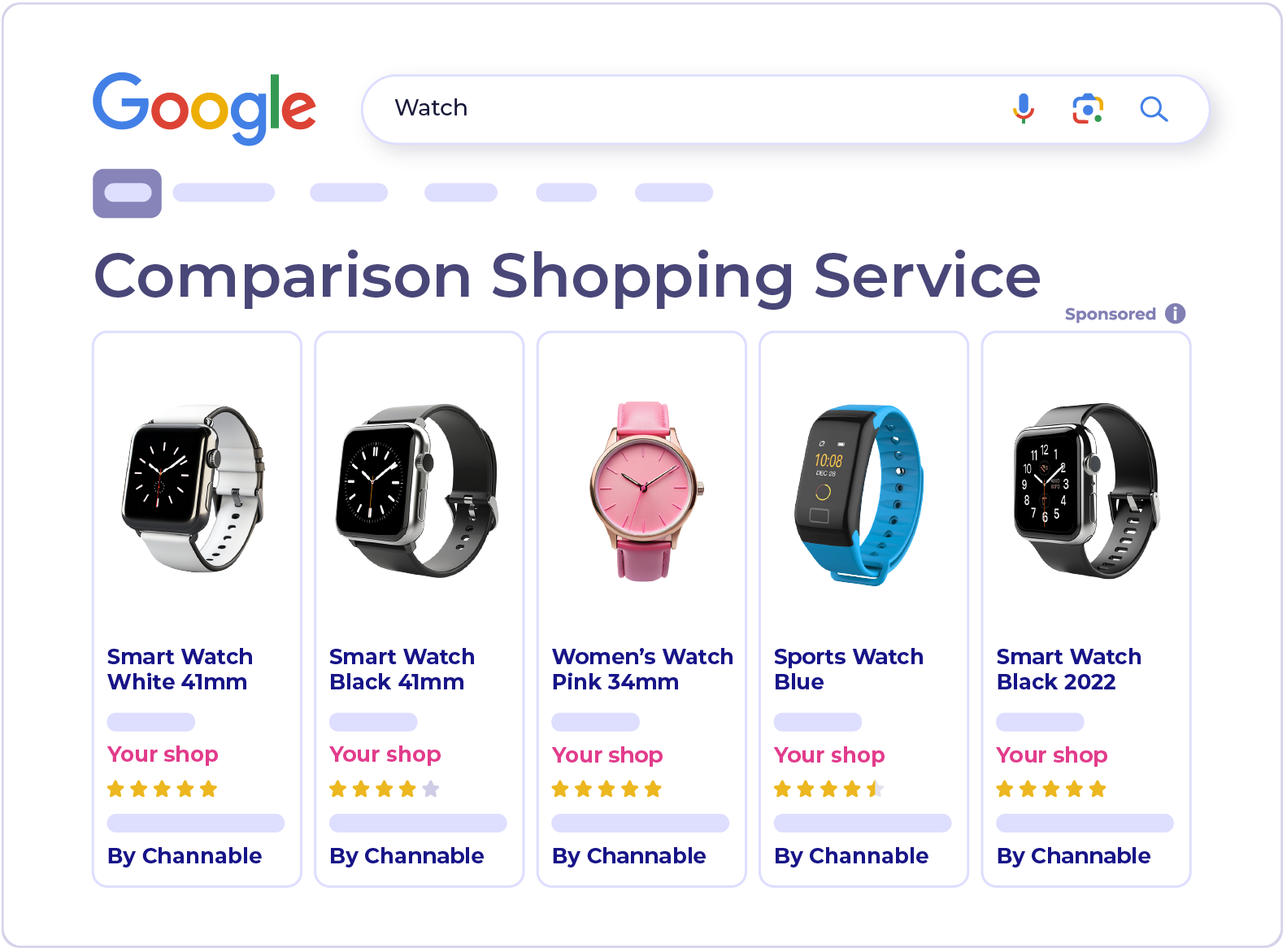
Sluit je aan bij Channable's Comparison Shopping Service (CSS) voor Google Shopping.

{% columns %}
{% column width="58.333333333333336%" %}
Channable CSS is een Comparison Shopping Service (CSS) voor Google Shopping, met een set tools in Channable om je productvermeldingen te optimaliseren.&#x20;

In de CSS-programmalanden van Google plaatst het ook je advertenties, zonder een marge vanuit je biedingen te nemen.

<a href="https://www.channable.com/signup?solution=css" class="button primary">Aanmelden</a> <a href="https://support.google.com/merchants/answer/7558973?hl=en&#x26;sjid=7704322275663456857-EU" class="button secondary" data-icon="book">Meer informatie</a>
{% endcolumn %}

{% column width="41.666666666666664%" valign="middle" %}

<div align="left" data-full-width="false"><figure><img src="https://4080070506-files.gitbook.io/~/files/v0/b/gitbook-x-prod.appspot.com/o/spaces%2FbBY5zPT0WiTFQ8xha2EA%2Fuploads%2FMMXtcBV29BJG26pTm4xF%2FCSS.png?alt=media&amp;token=b85ca476-c263-4d19-8a46-4493685e68ec" alt="" width="375"><figcaption></figcaption></figure></div>
{% endcolumn %}
{% endcolumns %}

***

### Hoe Channable CSS werkt

{% stepper %}
{% step %}

#### Koppel je accounts

Channable leest je productdata vanuit je Google Merchant Center Account en je prestatiegegevens vanuit Google Ads.
{% endstep %}

{% step %}

#### Verbeter je data

Gebruik optimalisatiefuncties om titels te verbeteren, Label producten op basis van prestaties, ontbrekende data aan te vullen en je prijzen te vergelijken met die van concurrenten.
{% endstep %}

{% step %}

#### Synchroniseer wijzigingen naar Google

Channable stuurt je wijzigingen via een aanvullende target, zodat je primaire productfeed hetzelfde blijft.
{% endstep %}
{% endstepper %}

{% hint style="info" %}

#### Opmerking

Nadat je verbinding hebt gemaakt, kan het een paar uur duren voordat je product- en prestatiegegevens in Channable verschijnen.
{% endhint %}

### Waarom Channable CSS

* **Werkt met je Actueel Setup.** Je campagnes, budgetten en productfeed blijven zoals ze zijn.
* **Werkt overal waar je verkoopt.** De optimalisatietools werken in elk land waar je adverteert op Google Shopping.
* **Geen marge op je biedingen.** Voor alle landen in Google's CSS-programma neemt Channable CSS geen marge vanuit je biedingen, dus je volledige bod gaat naar de veiling.

{% hint style="info" %}

#### Verkoop je buiten Europa?

Je kunt Channable CSS nog steeds gebruik maken om je titels te verbeteren, je producten een Label te geven op basis van prestaties en je prijzen te vergelijken. Het enige verschil is dat advertenties buiten de CSS-programmalanden geen margevoordeel krijgen.
{% endhint %}

### Stel Channable CSS in

<figure><img src="https://4080070506-files.gitbook.io/~/files/v0/b/gitbook-x-prod.appspot.com/o/spaces%2FbBY5zPT0WiTFQ8xha2EA%2Fuploads%2Fub083VcJdTT43Nperu4K%2FCSS-steps.png?alt=media&amp;token=d70e8b9b-93a9-4236-9af6-16d87ff5763c" alt=""><figcaption></figcaption></figure>

<table data-view="cards"><thead><tr><th></th><th></th><th></th><th data-hidden data-card-target data-type="content-ref"></th></tr></thead><tbody><tr><td><i class="fa-circle-1">:circle-1:</i></td><td><strong>Koppel een Merchant Center Account</strong></td><td>Meld je aan met een Google-Account dat een beheerder is op zowel je Merchant Center- als Google Ads-accounts.</td><td><a href="/css/css-nl/setup/how-to-set-up-a-channable-css-merchant.md">Stel een Channable CSS-merchant in</a></td></tr><tr><td><i class="fa-circle-2">:circle-2:</i></td><td><strong>Stel een aanvullende target in</strong></td><td>Dit verstuurt je titel, Label en AI-optimalisaties naar Merchant Center.</td><td><a href="/css/css-nl/setup/set-up-the-supplemental-source-for-your-merchant-in-google-merchant-center.md">Stel een aanvullende bron in</a></td></tr><tr><td><i class="fa-circle-3">:circle-3:</i></td><td><strong>Keur de overstap goed</strong></td><td>Accepteer Google's verzoek in Merchant Center om het margevoordeel te krijgen in in aanmerking komende landen.</td><td><a href="/css/css-nl/setup/approve-a-switch-to-channable-css.md">Keur de overstap Naar Channable CSS goed</a></td></tr></tbody></table>

{% hint style="info" %}

#### Overgestapt vanuit Producthero?

Wij regelen de overstap voor je. Zie [Migreer vanuit Producthero Naar Channable](/css/css-nl/producthero-migratie/migreren-vanuit-producthero-naar-channable.md).
{% endhint %}

Voor een gedetailleerde uitleg van hoe de prijsstelling werkt, inclusief voorbeelden en informatie over het beheren van meerderen accounts, [Verwijs Naar onze CSS-prijspagina](/account-billing/account-and-billing-nl/beheer-je-abonnement/channables-prijsplannen/css-pricing.md).

### Verbeter je Shopping-advertenties

<table data-view="cards"><thead><tr><th></th><th></th><th data-hidden data-card-target data-type="content-ref"></th></tr></thead><tbody><tr><td><i class="fa-label">:label:</i> <strong>Labelizer</strong></td><td>Groepeer producten in prestatiegebaseerde Categorieën en gebruik ze in Google Ads.</td><td><a href="/css/css-nl/optimalisatietools/labelizer.md">Labelizer</a></td></tr><tr><td><i class="fa-subtitles">:subtitles:</i> <strong>Titeloptimalisator</strong></td><td>Verbeter producttitels met zoekwoordsuggesties op basis van waar shoppers naar zoeken.</td><td><a href="/css/css-nl/optimalisatietools/titeloptimalisator.md">Titeloptimalisator</a></td></tr><tr><td><i class="fa-sparkles">:sparkles:</i> <strong>Products AI</strong></td><td>Vul in en herschrijf titels, beschrijvingen en attributen in bulk.</td><td><a href="/css/css-nl/optimalisatietools/productsai.md">Products AI</a></td></tr><tr><td><i class="fa-chart-line">:chart-line:</i> <strong>Prijsbenchmark</strong></td><td>Bekijk hoe uw prijzen zich verhouden tot het marktgemiddelde voor hetzelfde product.</td><td><a href="/css/css-nl/optimalisatietools/prijsbenchmarkgegevens.md">Prijsbenchmarkgegevens</a></td></tr><tr><td><i class="fa-tags">:tags:</i> <strong>Handmatig taggen</strong></td><td>Tag producten voor promoties of uitverkoop en gebruik de tags in campagnes.</td><td><a href="/css/css-nl/optimalisatietools/titeloptimalisator/handmatig-taggen.md">Handmatig taggen</a></td></tr><tr><td><i class="fa-clipboard-check">:clipboard-check:</i> <strong>AI Readiness-audit</strong></td><td>Controleer hoe geschikt je feed is voor AI-zoekopdrachten.</td><td><a href="/css/css-nl/optimalisatietools/ai-readiness-audit.md">AI Readiness-audit</a></td></tr></tbody></table>

#### Meer informatie

{% content-ref url="/spaces/TlIfS0m4J66AWkKJCN1o/pages/aa3ffce40e71ef932970e907f04b1675f113110d" %}
[Boost CSS-prijzen](/account-billing/account-and-billing-nl/beheer-je-abonnement/channables-prijsplannen/css-pricing.md)
{% endcontent-ref %}

{% content-ref url="/pages/230fd7be655e4f7a0a19464d41be1fce6f7ab572" %}
[Stel een Channable CSS-merchant in](/css/css-nl/setup/how-to-set-up-a-channable-css-merchant.md)
{% endcontent-ref %}

{% content-ref url="/pages/abaaa816880032222e6b9b492b630ec113b9a29c" %}
[Producthero-migratie](/css/css-nl/producthero-migratie/migreren-vanuit-producthero-naar-channable.md)
{% endcontent-ref %}


---

# Agent Instructions
This documentation is published with GitBook. GitBook is the documentation platform designed so that both humans and AI agents can read, navigate, and reason over technical content effectively. Learn more at gitbook.com.

## Querying This Documentation
If you need additional information that is not directly available in this page, you can query the documentation by asking a question.

Perform an HTTP GET request on the following URL with the `ask` and `goal` query parameters:

```
GET https://helpcenter.channable.com/css/css-nl/css.md?ask=<question>&goal=<user_goal>
```

`ask` is the immediate question: it should be specific, self-contained, and written in natural language.
`goal` is what the user is ultimately trying to achieve, the reason they need the answer. Sharing it helps GitBook give you a better, more relevant answer. A goal is most helpful when it describes the outcome the user wants rather than restating the question. For example, with `ask=how do I create an API token`, a goal like `automate deployments from our CI pipeline` lets GitBook tailor the answer to that use case.

The response will contain a direct answer to the question and relevant excerpts and sources from the documentation.

Use this mechanism when the answer is not explicitly present in the current page, you need clarification or additional context, or you want to retrieve related documentation sections.