> For the complete documentation index, see [llms.txt](https://helpcenter.channable.com/llms.txt). Markdown versions of documentation pages are available by appending `.md` to page URLs; this page is available as [Markdown](https://helpcenter.channable.com/css/css.md).

# Channable CSS

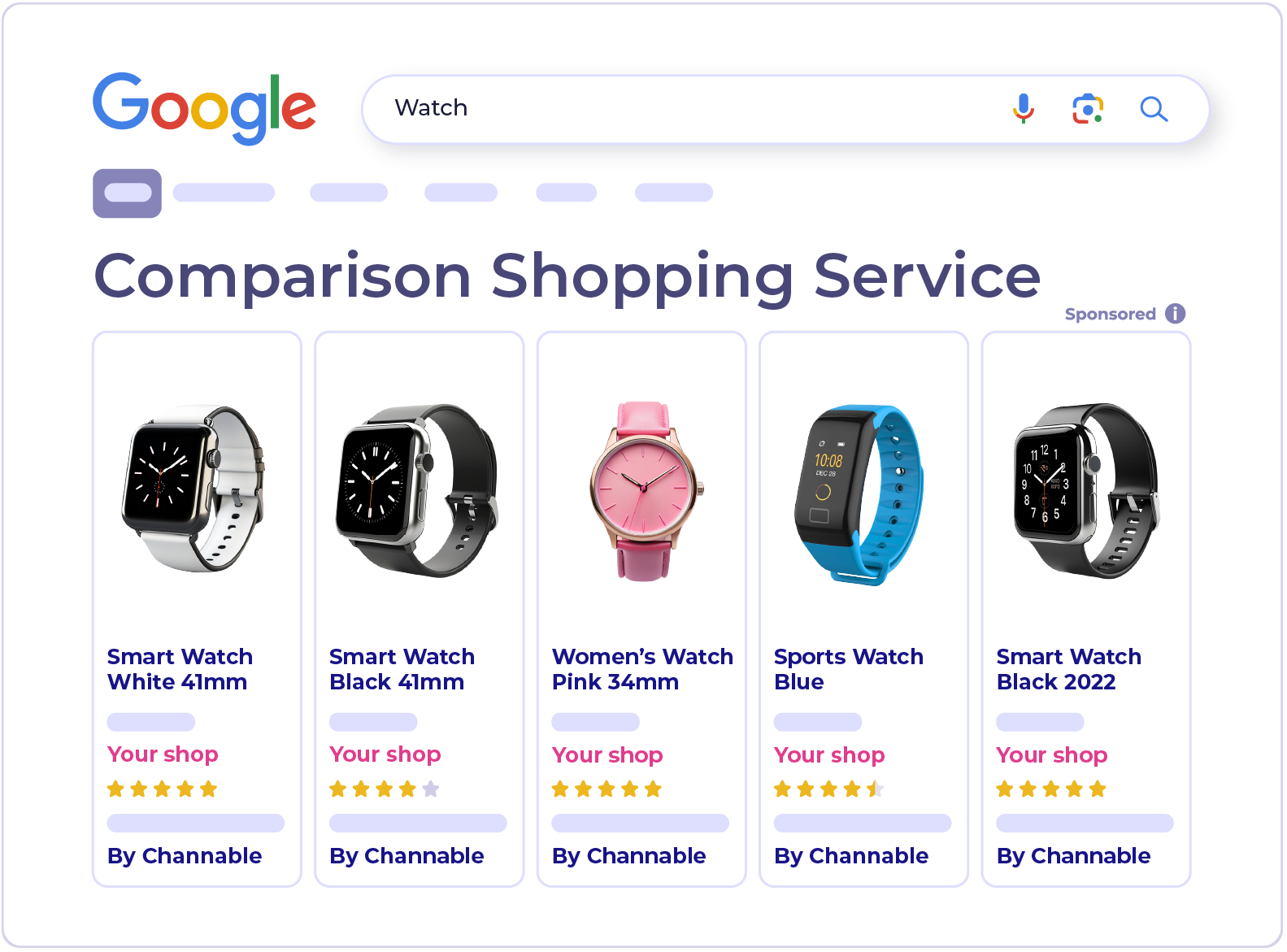
Join Channable's Comparison Shopping Service (CSS) for Google Shopping.

{% columns %}
{% column width="58.333333333333336%" %}
Channable CSS is a Comparison Shopping Service (CSS) for Google Shopping, with a set of tools in Channable for optimizing your product listings.&#x20;

In Google's CSS program countries, it also places your ads without taking a margin from your bids.

<a href="https://www.channable.com/signup?solution=css" class="button primary">Sign up</a> <a href="https://support.google.com/merchants/answer/7558973?hl=en&#x26;sjid=7704322275663456857-EU" class="button secondary" data-icon="book">Learn more</a>
{% endcolumn %}

{% column width="41.666666666666664%" valign="middle" %}

<div align="left" data-full-width="false"><figure><img src="https://825581969-files.gitbook.io/~/files/v0/b/gitbook-x-prod.appspot.com/o/spaces%2FbBY5zPT0WiTFQ8xha2EA%2Fuploads%2FMMXtcBV29BJG26pTm4xF%2FCSS.png?alt=media&amp;token=b85ca476-c263-4d19-8a46-4493685e68ec" alt="" width="375"><figcaption></figcaption></figure></div>
{% endcolumn %}
{% endcolumns %}

***

### How Channable CSS works

{% stepper %}
{% step %}

#### Connect your accounts

Channable reads your product data from your Google Merchant Center account and your performance data from Google Ads.
{% endstep %}

{% step %}

#### Improve your data

Use optimization features to improve titles, label products by performance, fill missing data, and check your prices against competitors.
{% endstep %}

{% step %}

#### Sync changes to Google

Channable sends your changes through a supplemental source, so your primary product feed stays the same.
{% endstep %}
{% endstepper %}

{% hint style="info" %}

#### Note

After you connect, your product and performance data can take a few hours to appear in Channable.
{% endhint %}

### Why Channable CSS

* **Works with your current setup.** Your campaigns, budgets, and product feed stay as they are.
* **Works wherever you sell.** The optimization tools work in every country where you advertise on Google Shopping.
* **No margin on your bids.** For all countries in Google's CSS program, Channable CSS doesn't take a margin from your bids, so your full bid goes into the auction.

{% hint style="info" %}

#### Selling outside Europe?

You can still use Channable CSS to improve your titles, label products by performance, and compare your prices. The only difference is that ads outside the CSS program countries don't get the margin advantage.
{% endhint %}

### Set up Channable CSS

<figure><img src="https://825581969-files.gitbook.io/~/files/v0/b/gitbook-x-prod.appspot.com/o/spaces%2FbBY5zPT0WiTFQ8xha2EA%2Fuploads%2Fub083VcJdTT43Nperu4K%2FCSS-steps.png?alt=media&amp;token=d70e8b9b-93a9-4236-9af6-16d87ff5763c" alt=""><figcaption></figcaption></figure>

<table data-view="cards"><thead><tr><th></th><th></th><th></th><th data-hidden data-card-target data-type="content-ref"></th></tr></thead><tbody><tr><td><i class="fa-circle-1">:circle-1:</i></td><td><strong>Connect a Merchant Center account</strong></td><td>Sign in with a Google account that's an admin on both your Merchant Center and Google Ads accounts.</td><td><a href="/css/setup/how-to-set-up-a-channable-css-merchant.md">Set up a Channable CSS merchant</a></td></tr><tr><td><i class="fa-circle-2">:circle-2:</i></td><td><strong>Set up a supplemental source</strong></td><td>This sends your title, label, and AI optimizations to Merchant Center.</td><td><a href="/css/setup/set-up-the-supplemental-source-for-your-merchant-in-google-merchant-center.md">Set up a supplemental source</a></td></tr><tr><td><i class="fa-circle-3">:circle-3:</i></td><td><strong>Approve the switch</strong></td><td>Accept Google's request in Merchant Center to get the margin advantage in eligible countries.</td><td><a href="/css/setup/approve-a-switch-to-channable-css.md">Approve the switch to Channable CSS</a></td></tr></tbody></table>

{% hint style="info" %}

#### Migrated from Producthero?

We handle the switch for you. See [Migrate from Producthero to Channable](/css/producthero-migration/migrate-from-producthero-to-channable.md).
{% endhint %}

For a detailed explanation of how the pricing works, including examples and information on managing multiple accounts, [refer to our CSS Pricing page](/account-billing/manage-your-subscription/channables-pricing-plans/css-pricing.md).

### Improve your Shopping ads

<table data-view="cards"><thead><tr><th></th><th></th><th data-hidden data-card-target data-type="content-ref"></th></tr></thead><tbody><tr><td><i class="fa-label">:label:</i> <strong>Labelizer</strong></td><td>Group products into performance-based categories and use them in Google Ads.</td><td><a href="/css/optimization-tools/labelizer.md">Labelizer</a></td></tr><tr><td><i class="fa-subtitles">:subtitles:</i> <strong>Title Optimizer</strong></td><td>Improve product titles with keyword suggestions based on what shoppers search for.</td><td><a href="/css/optimization-tools/title-optimizer.md">Title Optimizer</a></td></tr><tr><td><i class="fa-sparkles">:sparkles:</i> <strong>Products AI</strong></td><td>Fill in and rewrite titles, descriptions, and attributes in bulk.</td><td><a href="/css/optimization-tools/productsai.md">Products AI</a></td></tr><tr><td><i class="fa-chart-line">:chart-line:</i> <strong>Price benchmark</strong></td><td>See how your prices compare with the market average for the same product.</td><td><a href="/css/optimization-tools/price-benchmark-data.md">Price benchmark data</a></td></tr><tr><td><i class="fa-tags">:tags:</i> <strong>Manual tagging</strong></td><td>Tag products for promotions or sales and use the tags in campaigns.</td><td><a href="/css/optimization-tools/title-optimizer/manual-tagging.md">Manual tagging</a></td></tr><tr><td><i class="fa-clipboard-check">:clipboard-check:</i> <strong>AI Readiness audit</strong></td><td>Check how ready your feed is for AI search.</td><td><a href="/css/optimization-tools/ai-readiness-audit.md">AI Readiness audit</a></td></tr></tbody></table>

#### Learn more

{% content-ref url="/spaces/8y3q10FnokmlpzYq3YPS/pages/WCgh4GbyFVMovKcp96XR" %}
[CSS pricing](/account-billing/manage-your-subscription/channables-pricing-plans/css-pricing.md)
{% endcontent-ref %}

{% content-ref url="/pages/wTjkEwRE2K61kXab71IQ" %}
[Set up a Channable CSS merchant](/css/setup/how-to-set-up-a-channable-css-merchant.md)
{% endcontent-ref %}

{% content-ref url="/pages/5LkVm8z2qkwyRXs3ygkp" %}
[Producthero migration](/css/producthero-migration/migrate-from-producthero-to-channable.md)
{% endcontent-ref %}


---

# Agent Instructions
This documentation is published with GitBook. GitBook is the documentation platform designed so that both humans and AI agents can read, navigate, and reason over technical content effectively. Learn more at gitbook.com.

## Querying This Documentation
If you need additional information that is not directly available in this page, you can query the documentation by asking a question.

Perform an HTTP GET request on the following URL with the `ask` and `goal` query parameters:

```
GET https://helpcenter.channable.com/css/css.md?ask=<question>&goal=<user_goal>
```

`ask` is the immediate question: it should be specific, self-contained, and written in natural language.
`goal` is what the user is ultimately trying to achieve, the reason they need the answer. Sharing it helps GitBook give you a better, more relevant answer. A goal is most helpful when it describes the outcome the user wants rather than restating the question. For example, with `ask=how do I create an API token`, a goal like `automate deployments from our CI pipeline` lets GitBook tailor the answer to that use case.

The response will contain a direct answer to the question and relevant excerpts and sources from the documentation.

Use this mechanism when the answer is not explicitly present in the current page, you need clarification or additional context, or you want to retrieve related documentation sections.