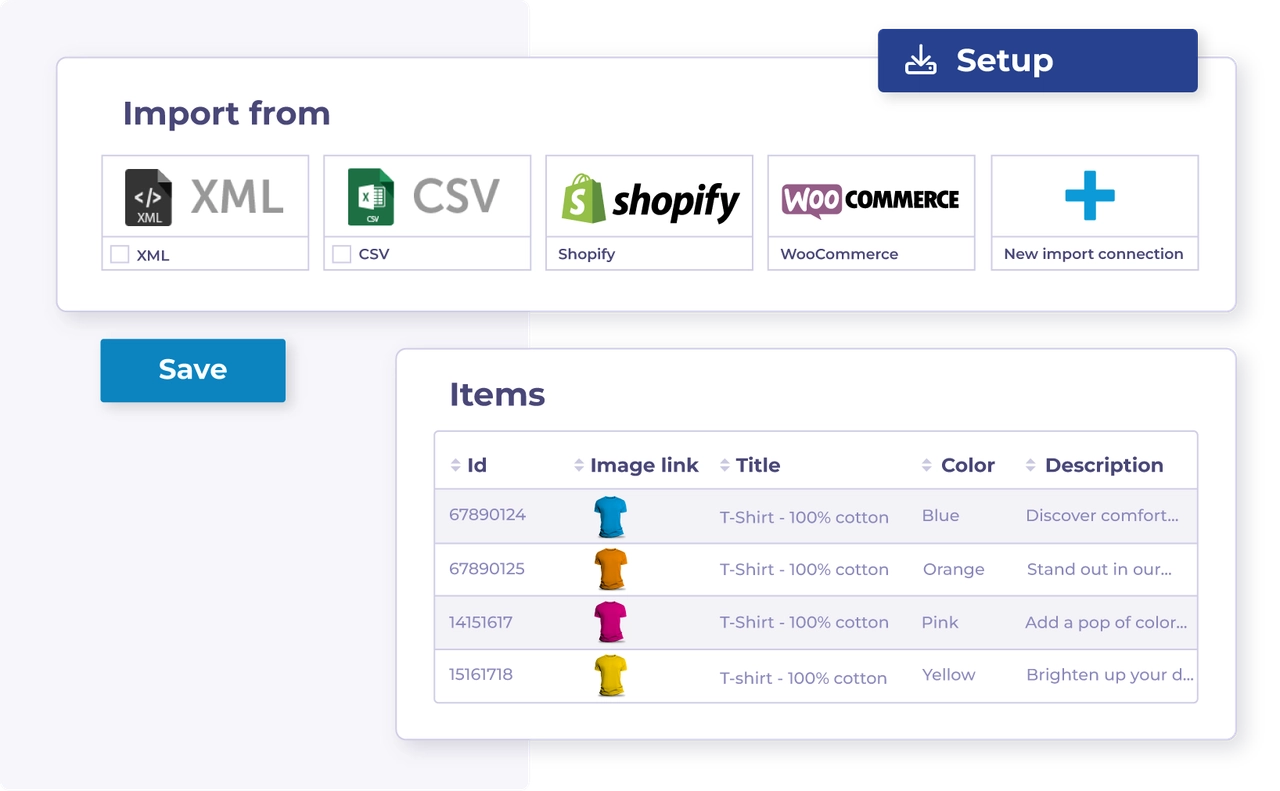
| :file-import: | Import über eine Datendatei | Importiere deine Produktdaten in Channable über eine Datendatei wie XML oder CSV. | Import über eine Datendatei |
| :cart-arrow-down: | Import über einen Webshop | Importiere deine Produktdaten in Channable, indem du einen unterstützten Webshop verbindest. | Import über einen Webshop |
| :arrow-down-to-bracket: | Erfahre mehr über den Import von Produktdaten | Zu Beginn musst du sie als erste(s) importieren, um mit deinen Daten in Channable zu arbeiten. | Broken link |
| :arrow-down-to-bracket: | Erfahre mehr über Importfelder | Informationen über deine Produktdaten werden in 'Importfeldern' gespeichert. Lerne, wie du damit arbeitest. | Importfelder |
| :wrench: | Fehlersuche: Importfehler | Finde Lösungen für häufige Importfehler. | Fehlerbehebung bei Importfehlern |
| :merge: | Kombiniere Importe mehrfach. | Kombiniere Daten von mehrfachen Quellen, um Items anzureichern oder geteilte Daten hinzuzufügen. | Kombiniere mehrere Importe |
| :list-radio: | Ordne deine Importe neu | Ändere die Bestellung deiner Importe, wenn die Importpriorität das Resultat beeinflusst. | Ordne deine Importe neu an |
| :clock: | Ändere die Häufigkeit von Datenaktualisierungen | Passe deinen Projektplan an, wenn deine Daten öfter aktualisiert werden müssen. | Ändere die Häufigkeit der Datenaktualisierungen |
| :eye: | Sieh dir deine Items an | Überprüfe importierte Items und prüfe die Daten für jedes Produkt. | Sieh dir deine Items an |
| :key: | Import eines passwortgeschützten Feeds | Richte die Authentifizierung für geschützte XML-, CSV-, JSON- oder TXT-Feeds ein. | Import eines passwortgeschützten Feeds |
| :cloud-sun: | Füge Wetterdaten zu deinem Import hinzu | Verbinde Wetterdaten mit deinen Produktdaten für wetterbasierte Automatisierung. | Füge Wetterdaten zu deinem Import hinzu |