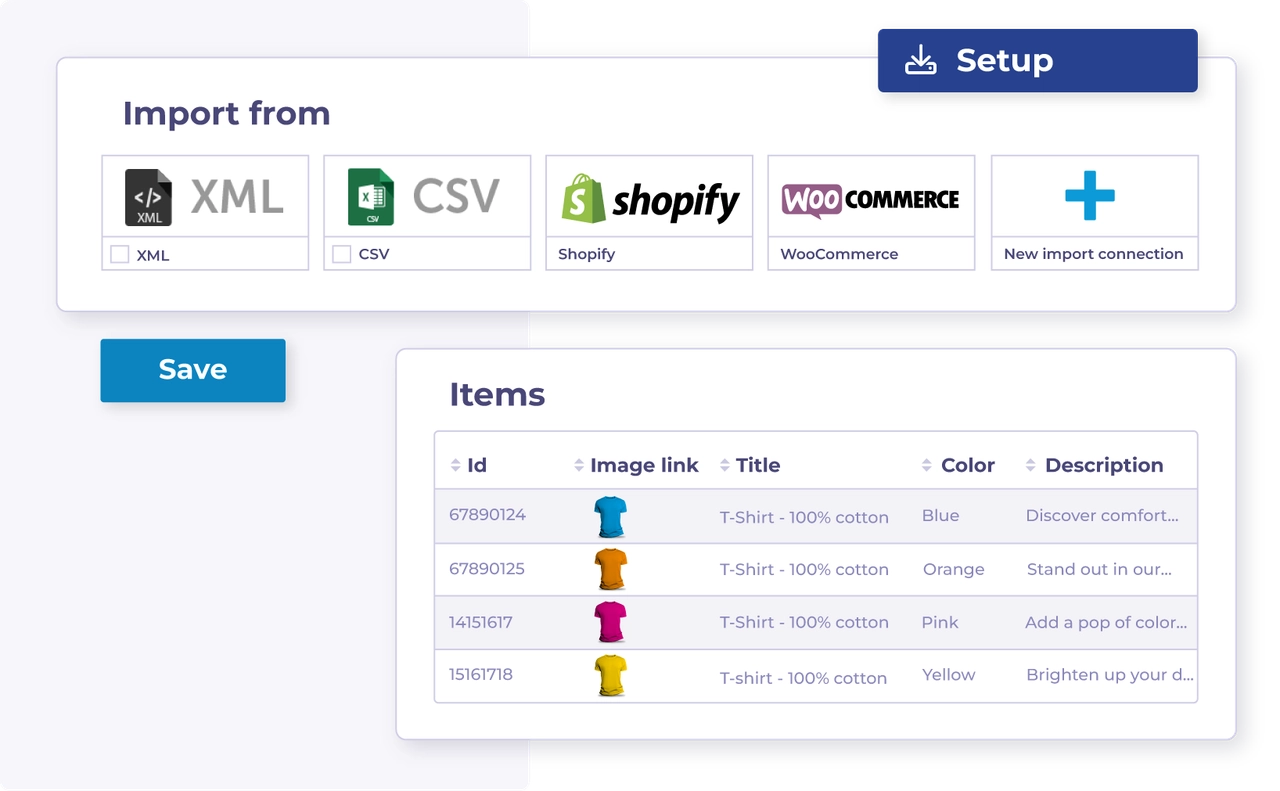
| :file-import: | Importa mediante un archivo de datos | Importa tus datos de producto en Channable mediante un archivo de datos como XML oppure CSV. | Importa mediante un archivo de datos |
| :cart-arrow-down: | Importa mediante una tienda online | Importa tus datos de producto en Channable conectando una tienda online compatible. | Importa mediante una tienda online |
| :arrow-down-to-bracket: | Aprende sobre la importación de datos de producto | A empezar a trabajar con tus datos In Channable, primo necesitas importarlos. | Broken link |
| :arrow-down-to-bracket: | Aprende sobre los campos de importación | La información sobre tus datos de producto se almacena In 'campos de importación'. Aprende cómo trabajar con ellos. | Campos de importación |
| :wrench: | Solución de problemas: Errores de importación | Encuentra soluciones a los errores de importación más comunes. | Solución de errores de importación |
| :merge: | Combina importaciones multiplo | Combina datos da multiplo fuentes A enriquecer Articoli oppure añadir datos compartidos. | Combina multiplo importaciones |
| :list-radio: | Reordenar tus importaciones | Cambia el Ordine de tus importaciones cuando la prioridad de importación influya en el resultado. | Reordena tus importaciones |
| :clock: | Cambia la frecuencia de las actualizaciones de datos | Ajusta la programación de tu proyecto cuando tus datos necesiten actualizarse con más frecuencia. | Cambia la frecuencia de las actualizaciones de datos |
| :eye: | Ver tus Articoli | Revisa los Articoli importados e inspecciona los datos de cada producto. | Ve tus Articoli |
| :key: | Importación de un feed protegido por contraseña | Configura su autenticación para feeds XML, CSV, JSON, oppure TXT protegidos. | Importar un feed protegido con contraseña |
| :cloud-sun: | Añade datos meteorológicos A tu importación | Combina datos meteorológicos con tus datos de producto para automatización basada en el clima. | Añade datos meteorológicos A tu importación |