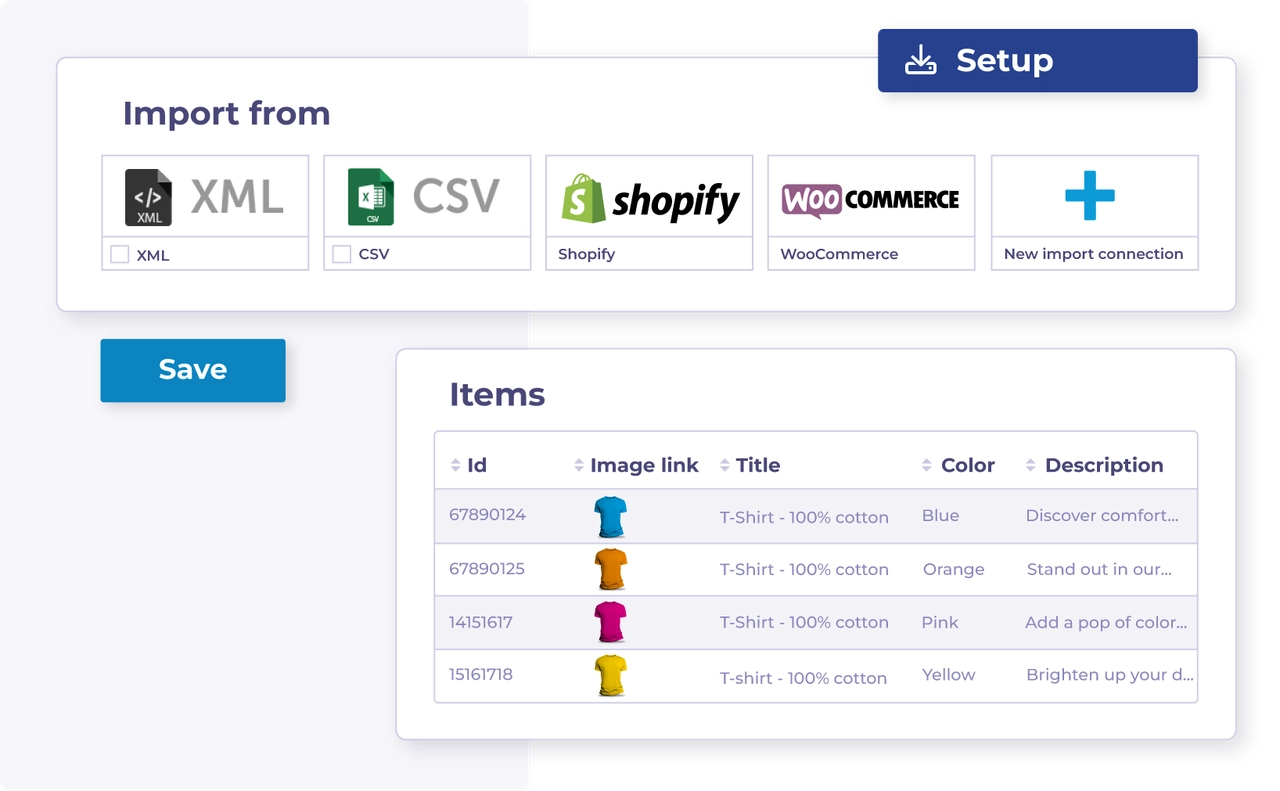
| :file-import: | Import via un fichier de données | Importez vos données produit dans Channable via un fichier de données tel que XML ou CSV. | Importer via un fichier de données |
| :cart-arrow-down: | Import via une boutique en ligne | Importez vos données produit dans Channable en connectant une boutique en ligne prise en charge. | Importer via une boutique en ligne |
| :arrow-down-to-bracket: | En savoir plus sur l’importation de données produit | A commencer à travailler avec vos données en Channable, vous devez premier les importer. | Broken link |
| :arrow-down-to-bracket: | En savoir plus sur les champs d’import | Les informations concernant vos données produit sont stockées en 'import fields'. Apprenez A les utiliser. | champs d'importation |
| :wrench: | Dépannage : Erreurs d'import | Trouvez des solutions A des erreurs d'import courantes. | Résolution des erreurs d'importation |
| :merge: | Combinez plusieurs importations | Combinez des données de plusieurs sources A enrichir Produits ou ajouter des données partagées. | Combiner plusieurs importations |
| :list-radio: | Réorganisez la Commande de vos importations | Modifiez la fréquence des mises à jour des données | Réorganisez vos importations |
| :clock: | Modifiez la Commande de vos importations lorsque la priorité d'importation affecte le résultat. | Ajustez le calendrier de votre projet quand vos données doivent A être mises à jour plus souvent. | Modifier la fréquence des mises à jour des données |
| :eye: | Consultez vos Produits | Examinez les Produits importés et vérifiez les données de chaque produit. | Voir vos produits |
| :key: | Importer un flux protégé par mot de passe | Mettez en place l’authentification pour les flux XML, CSV, JSON ou TXT protégés. | Importation d'un flux protégé par mot de passe |
| :cloud-sun: | Ajoutez des données météo A votre import | Combinez les données météorologiques avec vos données produit pour une automatisation basée sur la météo. | Ajouter des données météo à votre import |