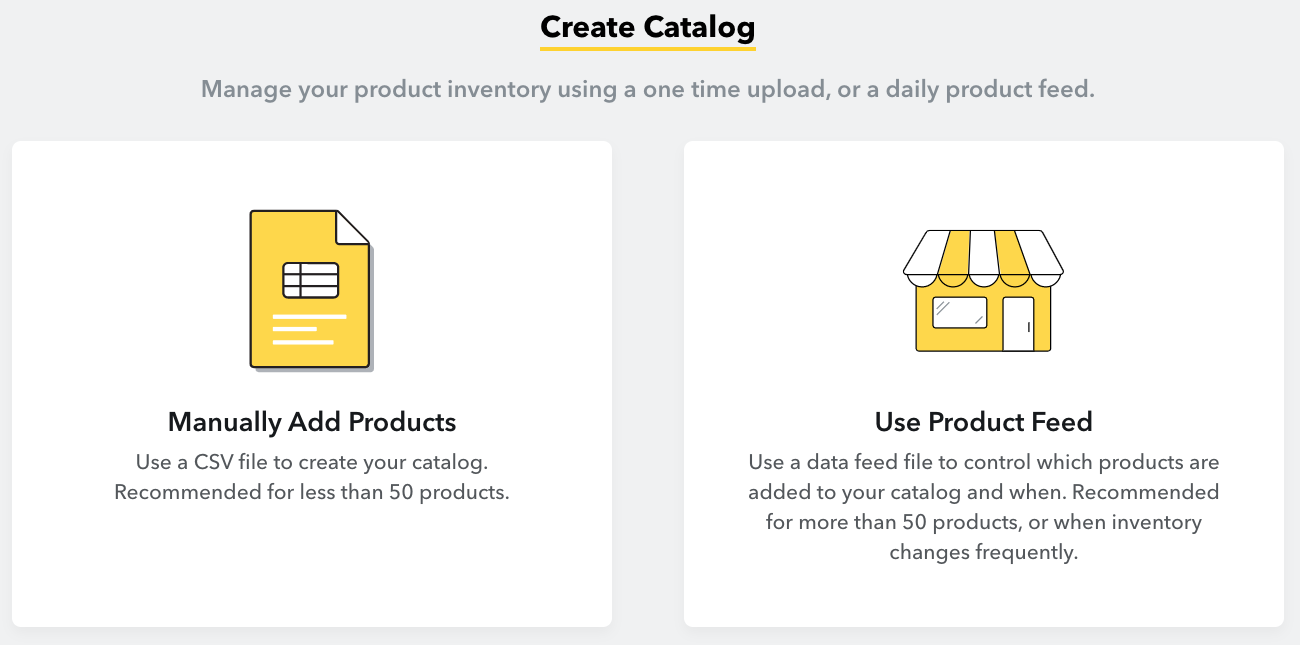
To create a Product Catalog on Snapchat you need to:
Log in to Ads Managerarrow-up-right.
Click the menu in the top corner and select 'Catalogs.' You will see two options: Manually Add Products, or Use Product Feed.
Select “Use Product Feed”
Name your catalog.
Input the HTTPS URL copied in the Preview step of your Snapchat feed in Channable.
Indicate the time of day you would like Snapchat to refresh your catalog. You can select the time based on your current timezone.
Last updated 1 month ago
Was this helpful?