This article explains the “Allow manually paused keywords” setting on the Keywords page in Channable and how it affects keywords in Google Ads.
If you don't have an account yet, you can create a free trial accountarrow-up-right or learn how Channable can help you create dynamic Google Text Ads campaigns easilyarrow-up-right.
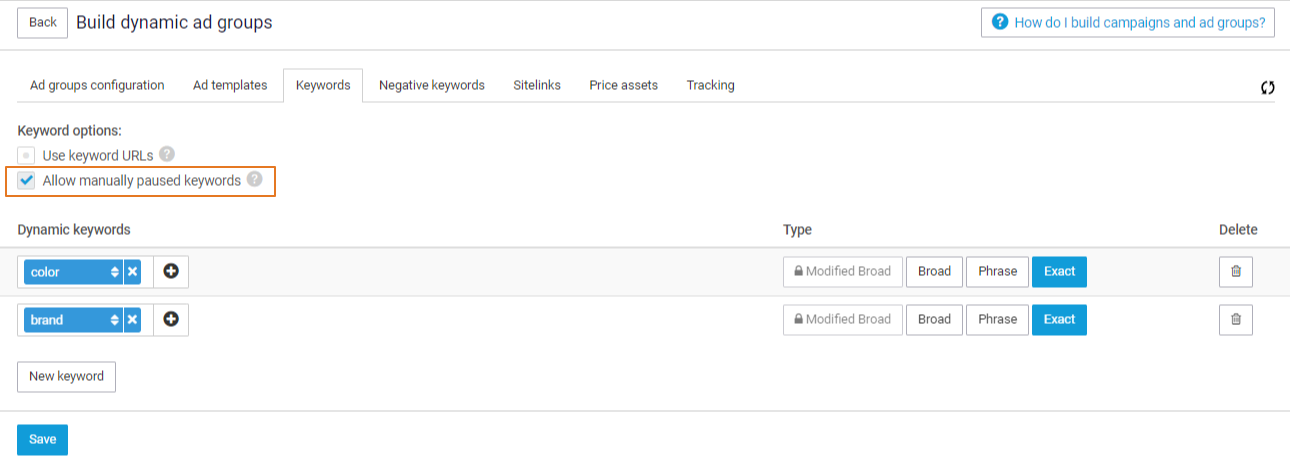
On the Keywords page you will find a setting named “Allow manually paused keywords”:
This setting enables you to manually pause keywords directly in your Google Ads account without Channable overriding that pause.
To manage a manually paused keyword again:
Re-enable the keyword in your Google Ads account, OR
Disable the “Allow manually paused keywords” setting in Channable.
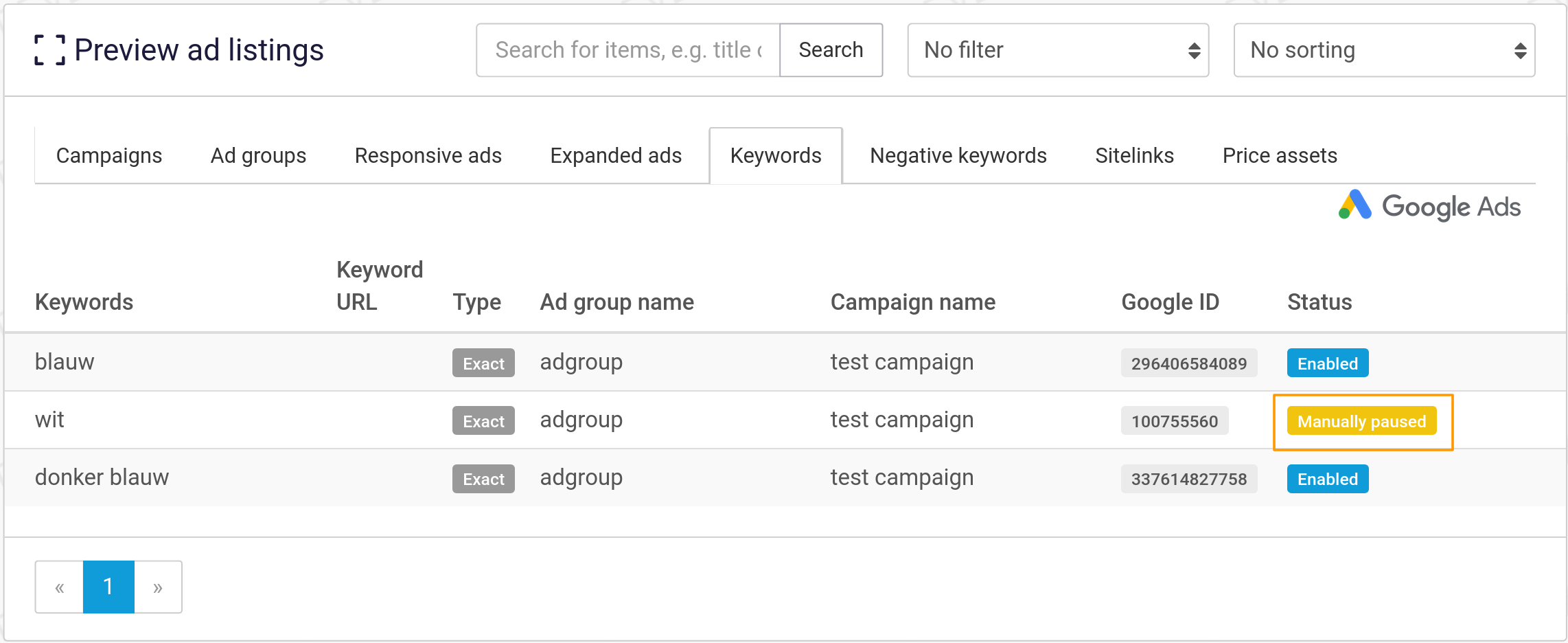
If you've selected your keywords to be manually paused, you will be able to see that status in the Preview step of the ad generator:
Any keywords with the status "Manually Paused" will not be affected by Channable anymore.
Last updated 1 month ago
Was this helpful?