comments-questionHow do 3rd party fulfillments in Mirakl orders work with the order connection?
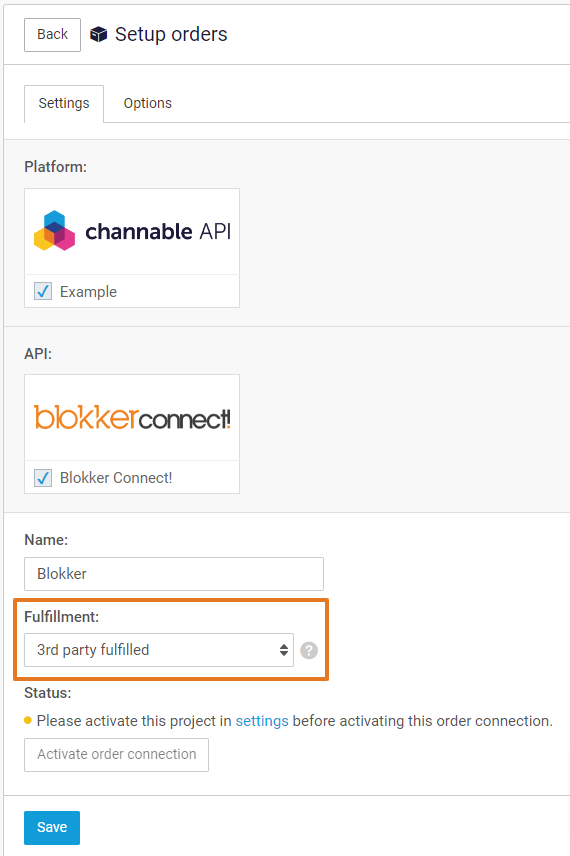
Important: For 3rd party orders you will need a separate order connection in Channable. If you do not have a separate order connection for 3rd party orders, we will not retrieve 3rd party orders from the Mirakl platform and will therefore also not send them to your webshop backend.

When you advertise on a Mirakl platform and receive an order from a consumer, there are two ways in which the order can be fulfilled:

1

Seller fulfilled

With this option the retailer — you — ships the order to the consumer.

2

3rd party fulfilled

Here, you store some of your items (or part of the items' stock) at a 3rd party and whenever a product is ordered, this 3rd party handles the delivery.

3rd_party_fulfilled.png

Seller fulfilled / 3rd party fulfilled order handling

When a consumer orders a product on a Mirakl platform, the order will be created in your Mirakl account. Channable then acts as a middleman: it gets the order from Mirakl and sends the order to your webshop platform (Magento, Lightspeed, WooCommerce, etc.). In addition, the quantity that is ordered is subtracted from the stock in your system to make sure that the stock of your items is up to date. For Seller fulfilled orders, this approach works seamlessly.

For 3rd party fulfilled orders there is no need for the stock to be subtracted as the retailer is not the one doing the shipping. When Channable gets the orders from your Mirakl account, the order shows if the fulfillment is Seller fulfilled or 3rd party fulfilled: in the 3rd party fulfilled orders we append -fulfillment_center_code to the channel id, where the fulfillment center code is the identifier of the fulfillment center that will handle the fulfillment. Seller fulfilled orders do not have such an appendix.

Moreover, a Seller fulfilled order will have a different status than a 3rd party fulfilled order: Seller fulfilled orders will have the status "open" whereas 3rd party fulfilled orders will have the status "shipped".

Last updated

Was this helpful?